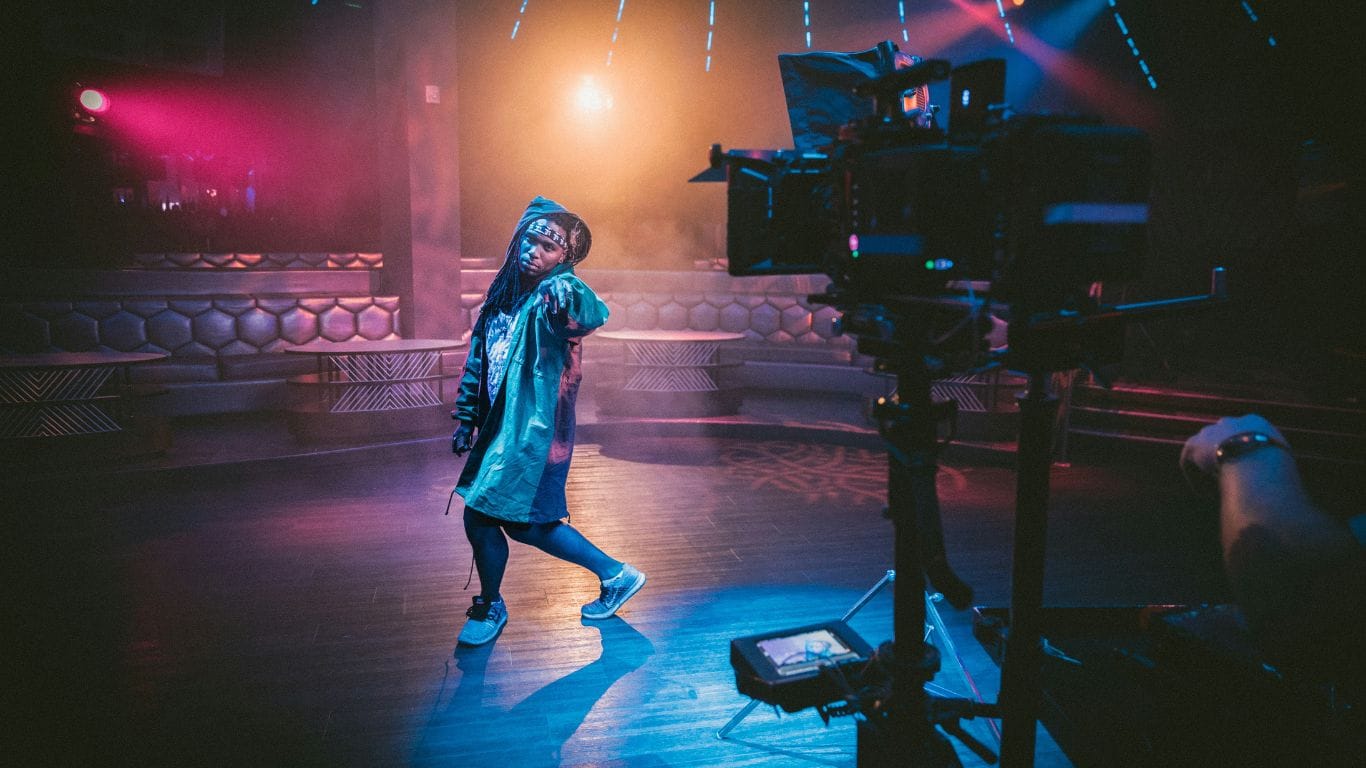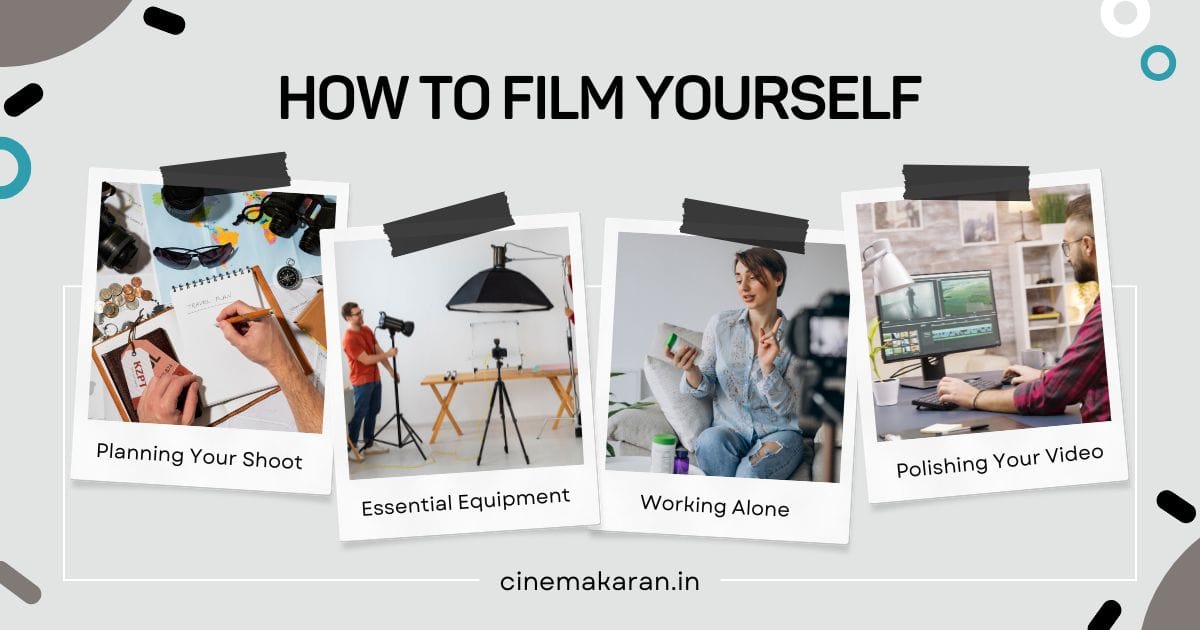
In the age of online content, knowing how to film yourself is a valuable skill. Whether you’re creating videos for social media, tutorials, or personal projects, capturing high-quality footage is essential. This guide will walk you through the process, step by step, to help you achieve professional results.
Table of Contents
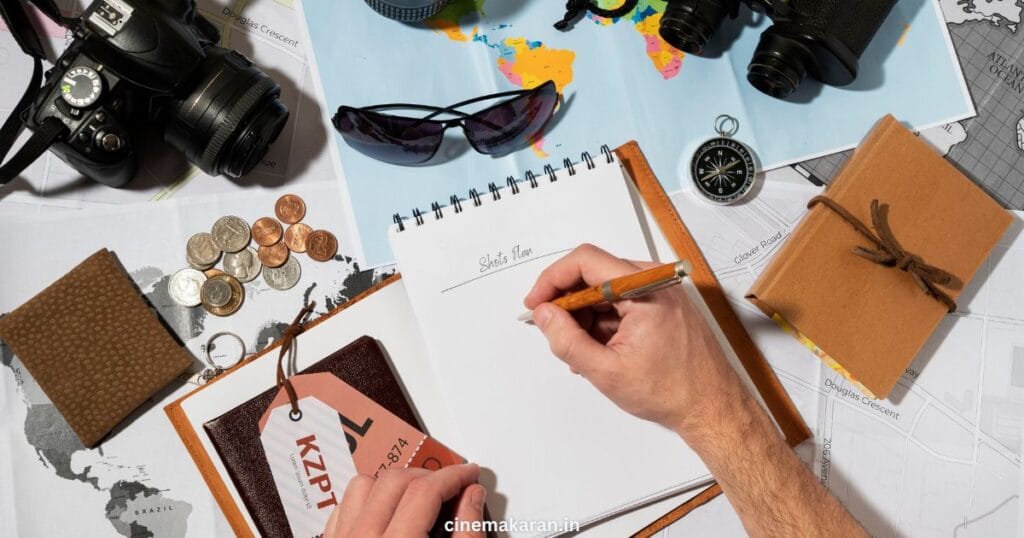
1. Planning Your Shoot: Laying the Foundation
Before hitting record, planning is key.
- Define Your Goal: What do you want to achieve with your video? Understanding your purpose will guide your entire process.
- Create a Shot List: This is a list of the shots you need, including angles, movements, and key visuals. It will help you stay organized.
- Scout Your Location: Choose a location with good lighting and minimal distractions. Consider the background and overall aesthetic.
2. Essential Equipment: Setting Up for Success
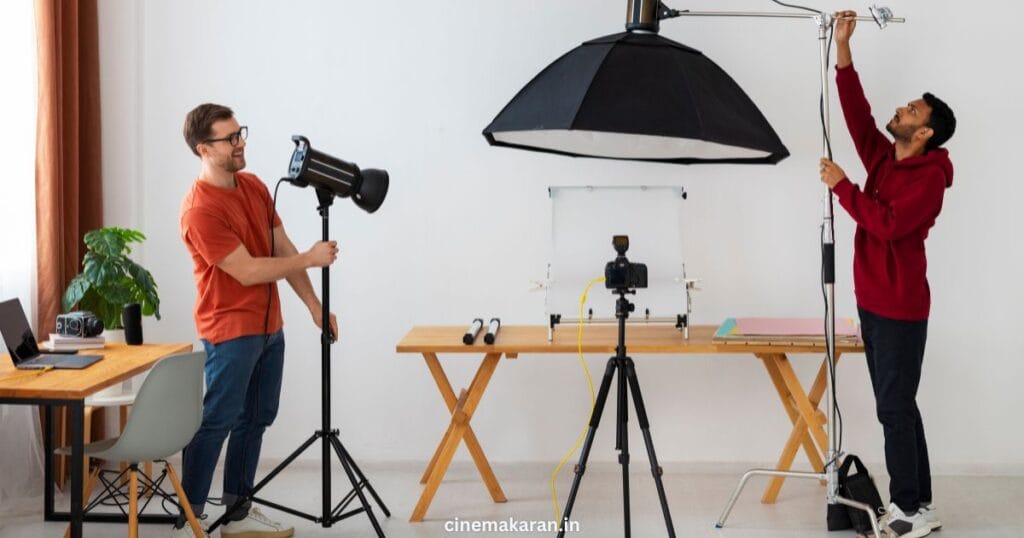
Having the right tools is crucial for professional-looking videos.
- Camera: Smartphones are excellent for beginners, while DSLRs or mirrorless cameras offer advanced features.
- Tripod: A stable tripod is essential for smooth, shake-free footage.
- Lighting: Natural light is ideal, but consider investing in a ring light or softbox for controlled lighting.
- Microphone: Clear audio is vital. Use an external microphone for better sound quality.
3. Filming Techniques: Capturing Quality Footage
Now, let’s focus on the act of filming.
- Frame Your Shot: Use the rule of thirds to create visually appealing compositions. Ensure you’re centered and in focus.
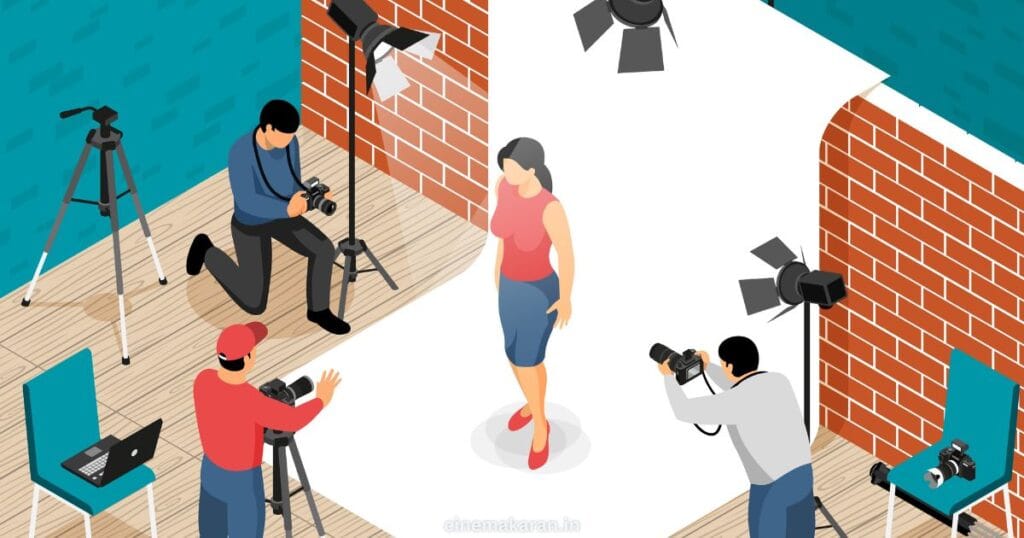
- Lighting Matters: Position your light source to avoid harsh shadows and create even illumination.
- Audio Clarity: Ensure your microphone is positioned correctly and that there’s minimal background noise.
- Smooth Movements: If you’re moving, use a gimbal or stabilizer to achieve smooth shots.
- Practice and Rehearse: Especially when you are filming yourself, practice your lines and movements to appear natural.
4. Solo Filming Tips: Working Alone
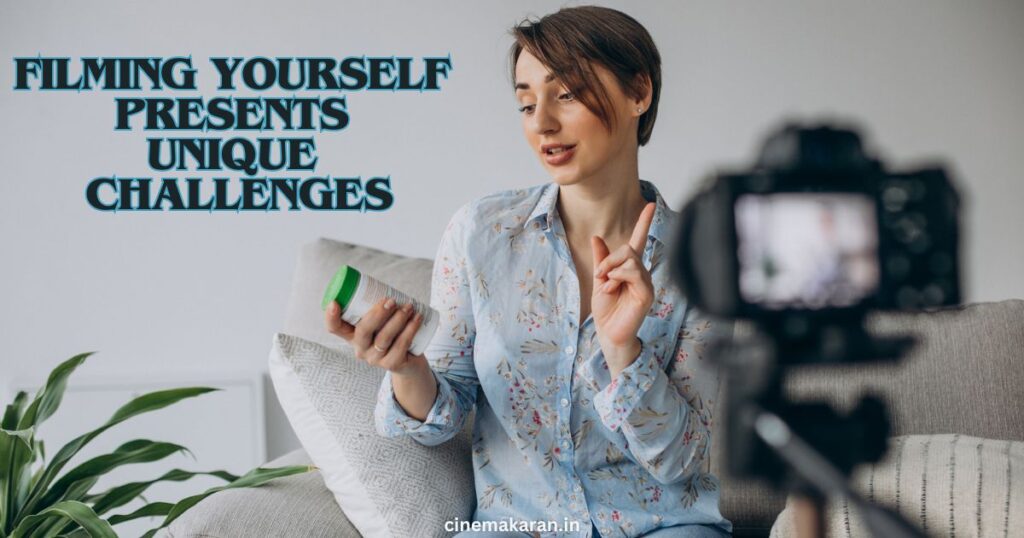
Filming yourself presents unique challenges.
- Remote Control/Timer: Use a remote or timer to start and stop recording without touching the camera.
- Monitor Your Footage: Use a monitor or your smartphone’s screen to check your framing and focus.
- Mark Your Spot: Use tape or markers to indicate where you should stand or move.
5. Post-Production: Polishing Your Video
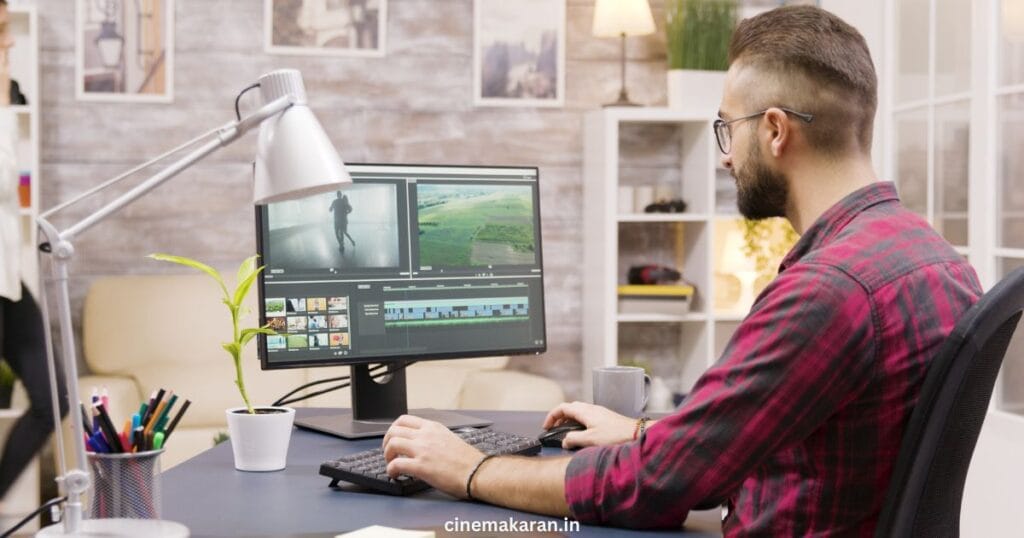
Editing is where you refine your footage and add the finishing touches.
- Editing Software: Choose software that suits your needs and skill level (e.g., Adobe Premiere Pro, iMovie, CapCut).
- Color Correction: Adjust the colors and brightness to create a consistent look.
- Audio Editing: Remove noise, adjust levels, and add music or sound effects.
- Export and Share: Choose the right format and resolution for your platform.
Learning how to film yourself professionally is a skill that improves with practice. Remember to plan, invest in the right equipment, and experiment with different techniques. Mastering how to film yourself takes time and practice, but with the right equipment and techniques, you can create high-quality videos that captivate your audience.